我的作品 一款好用的关键词生成器和 ai 生图
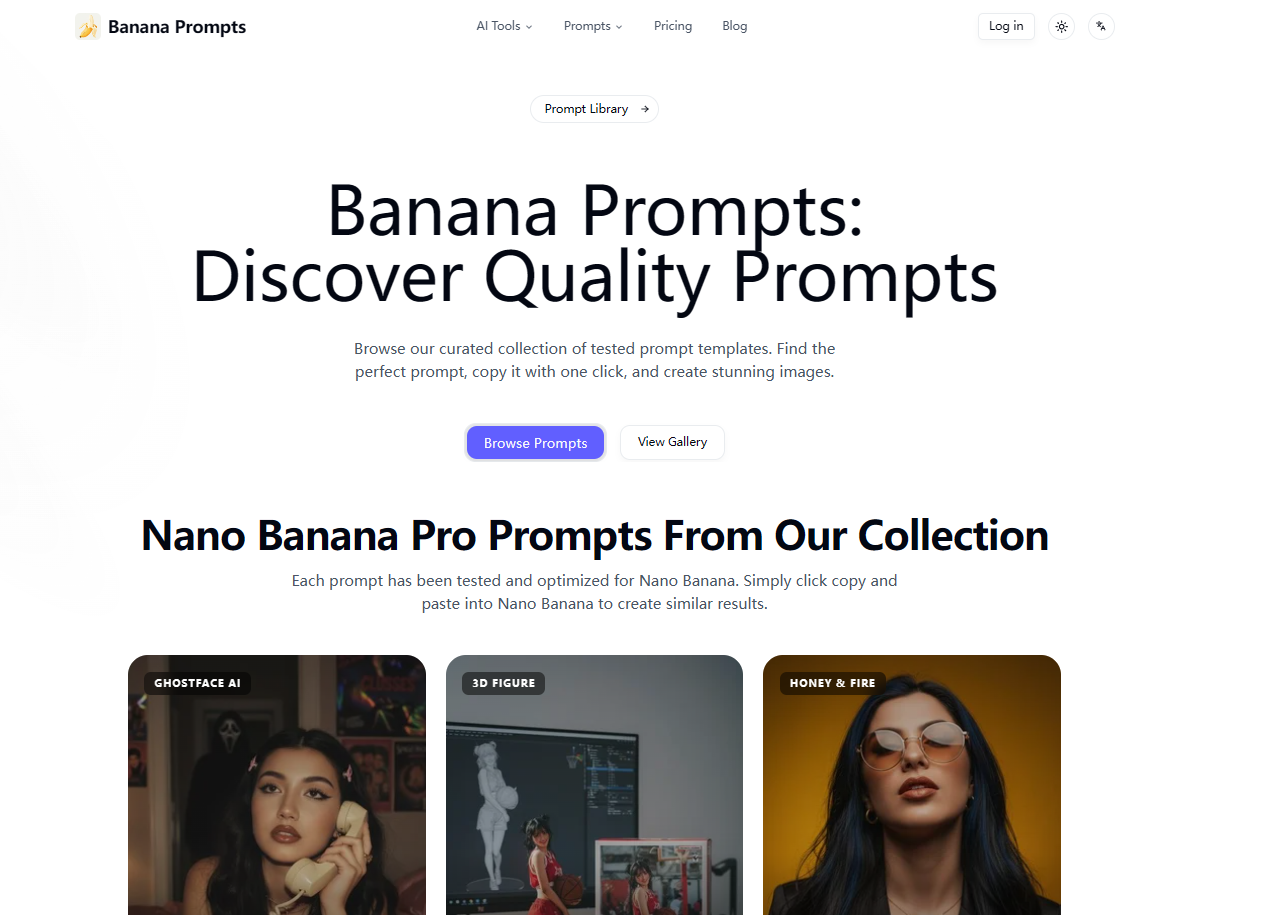
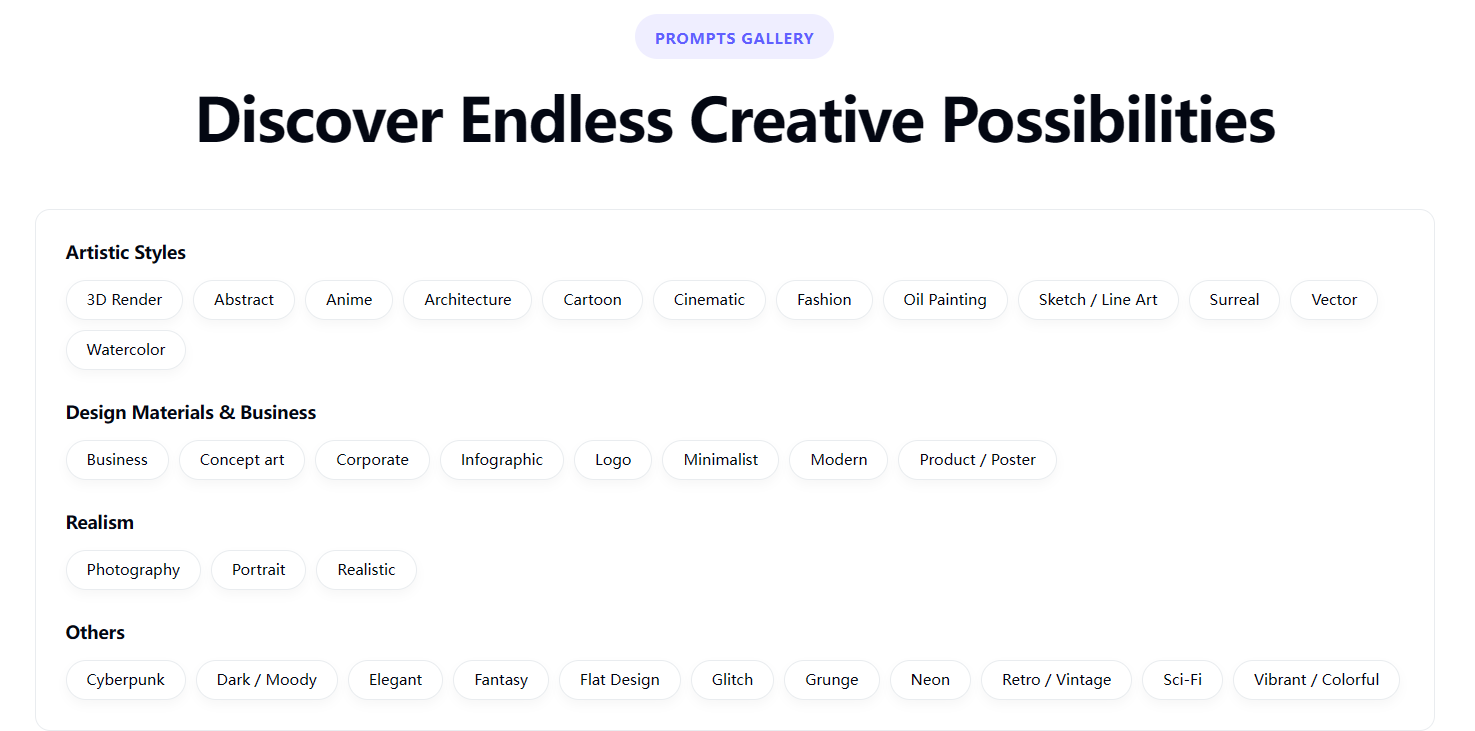
推荐一个我最近挖到的 AI 提示词 “宝藏库”:Banana Prompts。 这不仅仅是一个高质量的提示词合集站,更像是一个专治 “词穷” 的创作辅助工具。 它最大的亮点在于双向灵感机制: 搞定 “脑中有图,手下无词”:如果你手里有参考图却不知道怎么描述,直接用它的 “图片转提示词” 功能,它能帮你精准提取出风格、光影和构图的关键词。 极速 “拿来主义”:网站的交互设计非常懂用户——浏览画廊时不需要点进详情页,看中哪个效果,直接点击就能一键复制完整 Prompt。 上面的作品大多经过筛选和测试,质量很高。对于新手来说,这里不仅是素材库,更是一个“提示词教科书”。你可以通过观察大神们如何组合光影、材质和艺术风格的词汇,快速掌握高阶 Prompt 的写法。 日常无论是找风格参考,还是想快速出图,用它都能省下不少时间,强烈建议加入收藏夹。
Just wanted to share a massive timesaver I stumbled upon recently: Banana Prompts. Honestly, this feels less like a standard directory and more like a cheat sheet for when you hit "prompt writer's block." We’ve all been there: you have a crystal clear image in your head, but you just can't find the right words to make the AI generate it. This site actually fixes that in two cool ways: Reverse Engineering: If you have a reference photo, you can use their "Image-to-Prompt" feature to instantly pull out the style keywords and lighting tags you were missing. Zero-Friction Workflow: This is the best part—you don’t have to click into individual pages to get the goods. If you see a style you like in the gallery, you can copy the prompt directly from the feed. No extra clicks, no tabs cluttering up your browser. The quality of the curated art is actually really high. Even if you don't need a specific prompt right now, it’s a solid place to just browse and learn how the pros structure their syntax for lighting, textures, and camera angles. Definitely worth bookmarking if you want to speed up your generation process.